Open-source Agent Skill

See the system inside the code.

A code-intelligence provider indexes the whole repository. Your coding agent then selects and explains the paths that matter to the reader, producing one clear, evidence-backed HTML map.

Local code index · selective Agent synthesis · standalone HTML

system-map.html
Account & items journeyProduct view · standard detail
Account accessSign up, sign in, recoveryENTRY
Identity checkProtect private actionsDECISION
Owned itemsCreate and manage contentCAPABILITY
RecoveryReturn to a usable accountFLOW
User outcomeSafe, visible resultOUTPUT
From repository to explanation

Three levels. One reading path.

The map starts with the whole system, then lets readers descend only where the detail helps them make sense of the product or implementation.

This is one map, not three examples. Select a level to see what the reader learns as they go deeper.

LEVEL 01 · SYSTEMAccount & items journey

Start with the product story and one complete path through the system.

ENTRYAccount accessSign up, sign in, recover
DECISIONIdentity checkProtect private actions
CAPABILITYOwned itemsCreate and manage content
OUTCOMEVisible resultSafe success or recovery

The reader gets: the system's purpose, major responsibilities, and primary journey—before implementation detail.

The reader sets the map

Ask for the understanding you need.

There are no rigid “product” and “technical” templates. Your agent translates ordinary language into module boundaries, detail, terminology, prompts, relationships, and progressive disclosure.

You

Create this for product managers. Emphasize what each module does, user-visible outcomes, and real prompts. Simplify framework and database plumbing.

Agent shapes the map

I’ll present capabilities and user journeys first, merge routine infrastructure, and keep source evidence available behind each node.

You · after the first draft

Make payment recovery more detailed. Show how the two prompts change the final reply, but hide ordinary API wiring.

Agent revises the model

I’ll split that module, add prompt-effect relationships, preserve the evidence, revalidate the full path, and replace the HTML only if delivery succeeds.

Three complete showcase pages

Real repositories. Different readers. Full maps.

These are not decorative mockups. Each preview opens a complete standalone HTML generated from a fixed public commit, with a system overview, module views, node evidence, and revisable JSON IR.

full-stack-fastapi-template.html Product-oriented system map for Full Stack FastAPI Template
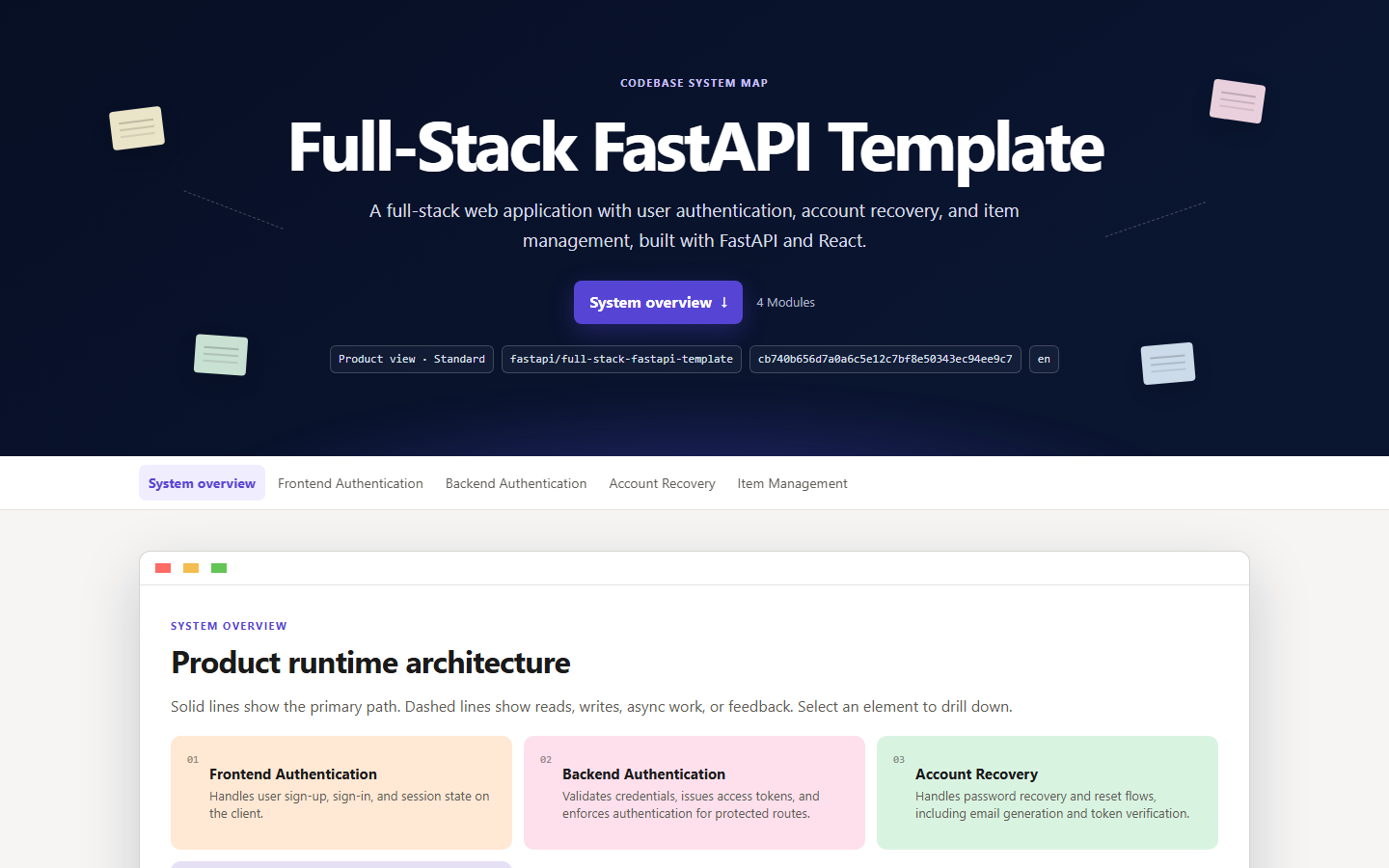
Product perspective · 4 modules

Full Stack FastAPI Template

Sign-up, sign-in, recovery, and owned items—without making the reader learn container, migration, or generated-client internals.

Best for: product managers, founders, and cross-functional planning.

PRODUCT16 NODES17 SOURCES
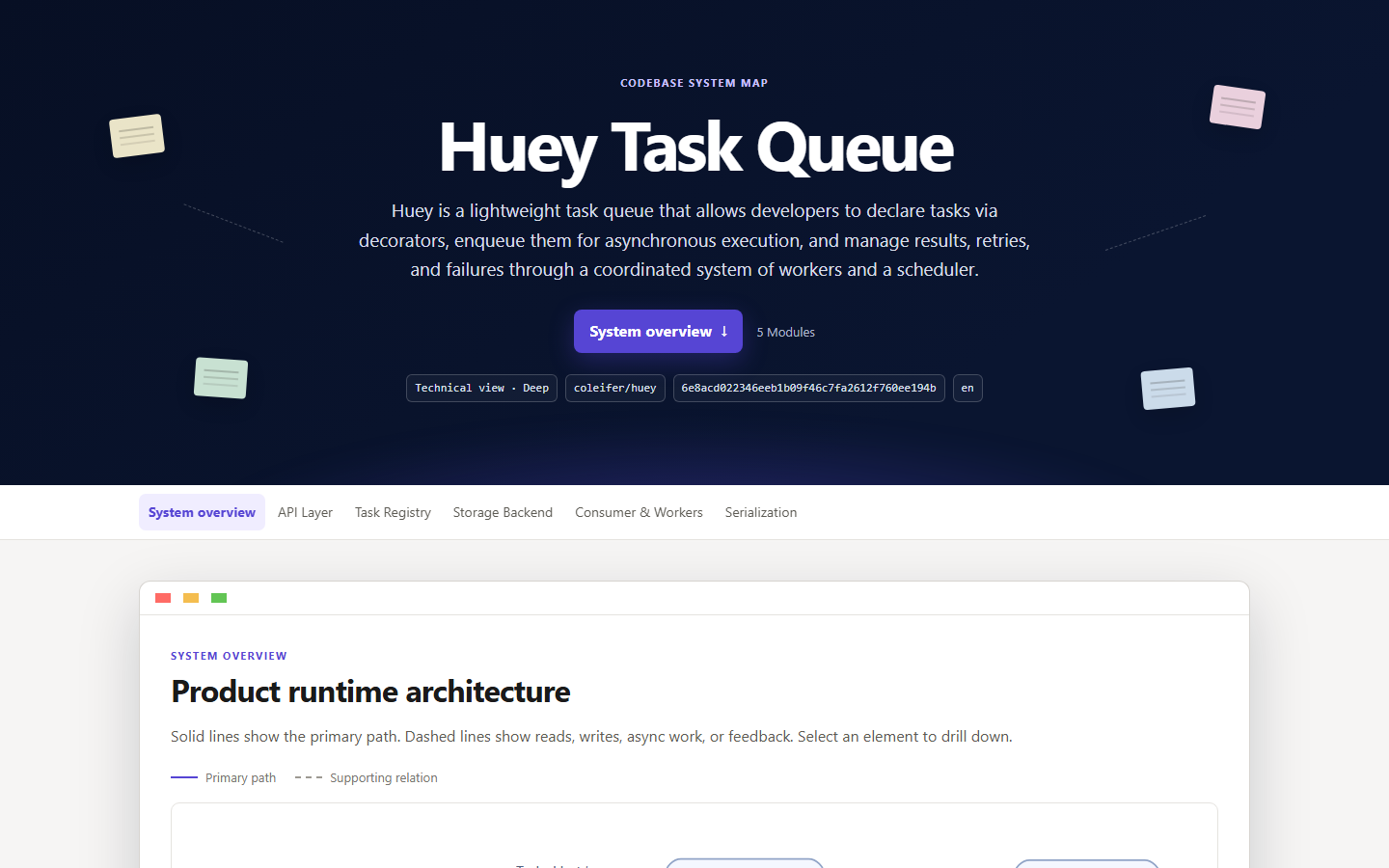
huey.html Technical system map for Huey Task Queue
Technical perspective · 5 modules

Huey Task Queue

How declared tasks become queued work, how workers and the scheduler coordinate, and how retries, failures, and results move.

Best for: engineers onboarding to execution and state flow.

TECHNICAL16 NODES19 SOURCES

openai-agents-python.html Mixed product and technical map for OpenAI Agents Python SDK
Mixed perspective · real prompt

OpenAI Agents Python SDK

The run loop, tools, handoffs, guardrails, sessions, tracing, and a real handoff prompt with exact source evidence.

Best for: product and engineering teams designing agent behavior together.

MIXED12 NODES1 PROMPT
Two specialized layers

Index first. Explain second.

Install the Codebase Memory repository-intelligence provider, then copy this Skill into your local skills directory. The provider handles exhaustive structural indexing; your agent handles reader-shaped synthesis.

Install Codebase Memory ↗
Read the full guide →

git clone https://github.com/farmerzh47/codebase-system-map.git
cd codebase-system-map
$skillPath = Join-Path $env:USERPROFILE ".codex\skills\codebase-system-map"
New-Item -ItemType Directory -Force $skillPath | Out-Null
Copy-Item ".\codebase-system-map\*" $skillPath -Recurse -Force
git clone https://github.com/farmerzh47/codebase-system-map.git
cd codebase-system-map
mkdir -p "$HOME/.codex/skills/codebase-system-map"
cp -R codebase-system-map/. "$HOME/.codex/skills/codebase-system-map/"
Open-source building blocks

Small by design. Explicit about what it uses.

Codebase Memory supplies detailed repository intelligence. Node.js validates and delivers the map; Viz.js, Graphviz, and Expat render its diagrams inside the standalone HTML.

MIT

Codebase Memory

The reference code-intelligence provider for repository indexing, architecture, search, path tracing, and bounded source retrieval.

MIT

Viz.js 3.29.0

The JavaScript wrapper and WebAssembly graph renderer embedded in every generated document.

EPL-2.0

Graphviz

The DOT layout engine compiled into Viz.js WebAssembly, producing the diagrams’ SVG geometry.

MIT

Expat

An XML parser included transitively in the Viz.js object-code distribution.

Codebase Memory is installed separately and accessed through its Agent Skill or MCP interface. The website is implemented in plain HTML, CSS, and JavaScript. See the complete third-party notices and license texts.

A map is a conversation

Make the codebase legible to the people deciding what comes next.

Open source, MIT licensed, cross-platform, and designed to leave you with one file you can actually share.